Route readiness
Check departure, arrival, alternate, and manual-route airports against confirmed installed coverage.
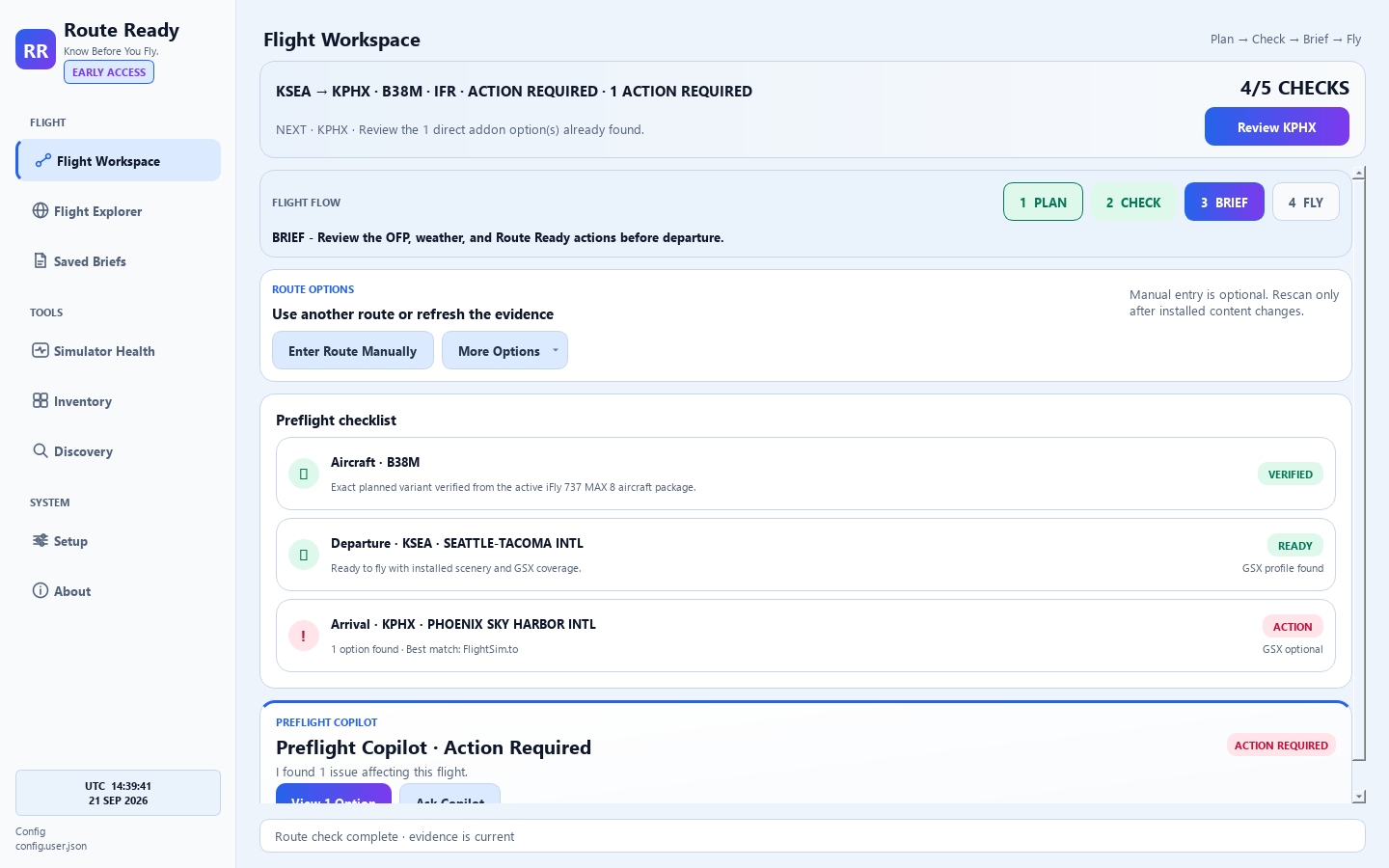
Route Ready Free + Route Ready Pro Early Access
Start free with core SimBrief route and scenery readiness. Step up to Pro for the complete PLAN → CHECK → BRIEF → FLY workspace with exact-aircraft verification, simulator health, weather, maps, saved briefs, and grounded Copilot guidance.
It checks the flight you plan to fly against scenery, GSX, Marketplace, streamed airports, and Addons Linker evidence.
The goal is to tell you what is ready, what needs review, and what action to take before departure.
Plan, check, brief, and launch from a pilot-first workspace built around your active flight.
A readiness workflow, not a folder scan
Connect SimBrief or enter a manual route. Route Ready compares your planned airports with the simulator sources you actually use, then explains what is ready, missing, inactive, duplicated, or worth reviewing.
Use your latest SimBrief route or check airport codes manually.
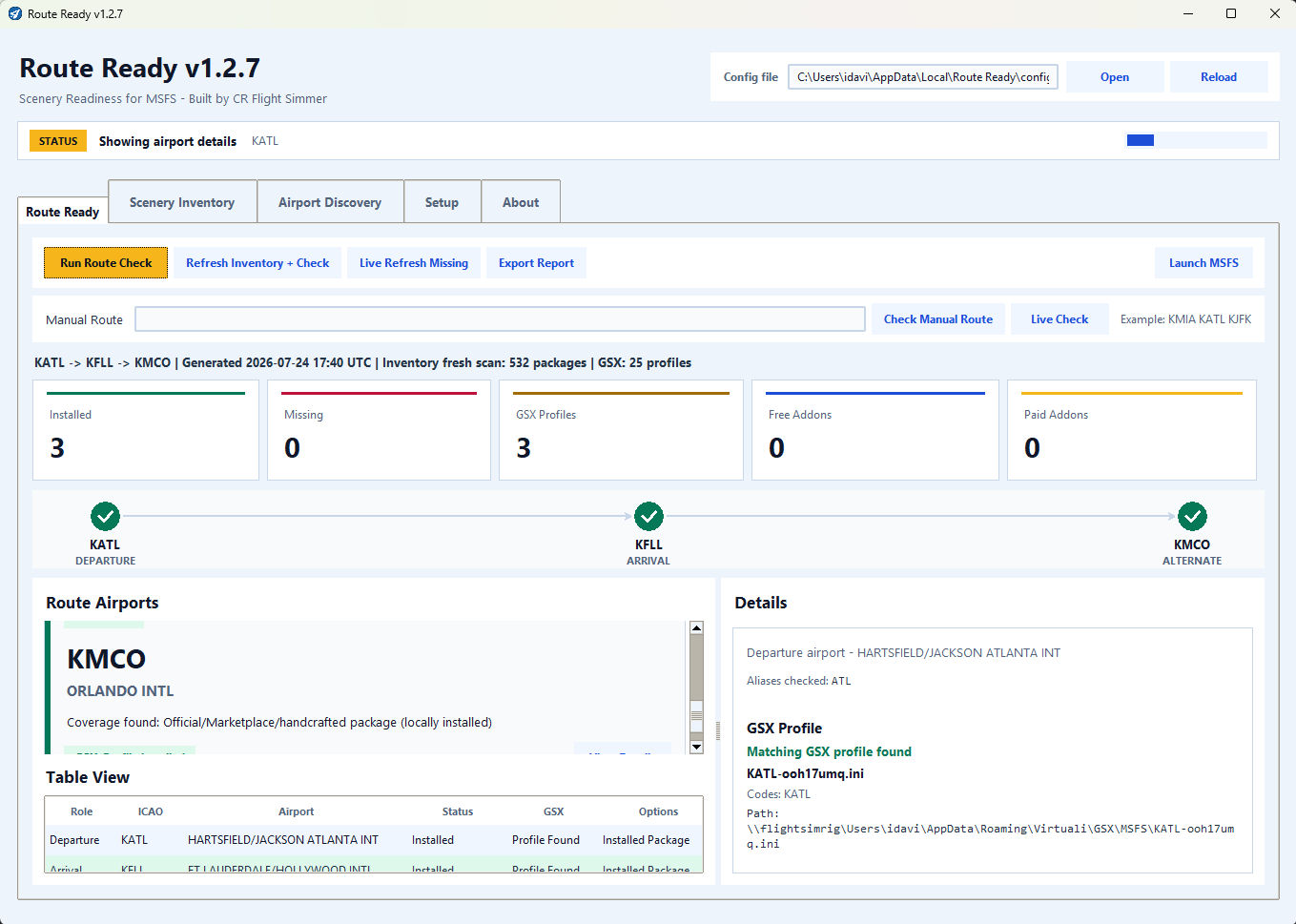
Check Community, Addons Linker, Official/Marketplace, streamed airports, and GSX profile folders.
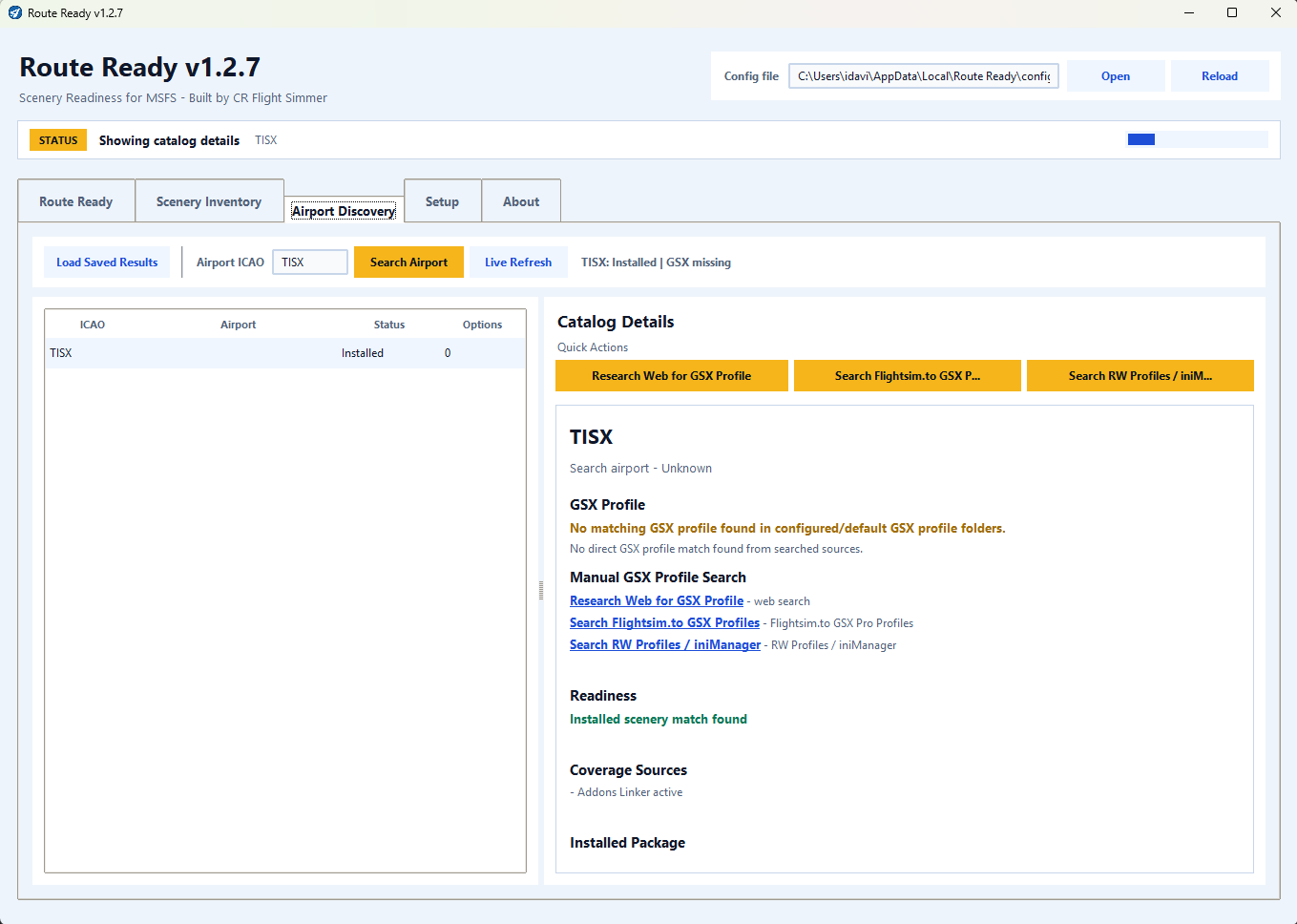
Review missing coverage, inactive links, duplicate packages, optional GSX gaps, and trusted next actions.
Built for the way simmers actually fly
Route Ready is designed to be honest. It reports local evidence, separates confirmed coverage from optional improvements, identifies uncertainty, and makes the next action obvious.
Check departure, arrival, alternate, and manual-route airports against confirmed installed coverage.
Separate active, inactive, duplicate, and conflicting package situations with clear preflight language.
See local profile coverage separately from scenery readiness, so optional service gaps do not confuse the flight verdict.
Understand Community, Marketplace/Official, handcrafted, and locally cached MSFS 2024 streamed package coverage.
A readiness check with context
Installed coverage, missing airports, review links, GSX status, and conflict notes stay in one place. No hunting through folders after you are already at the gate.
View the current release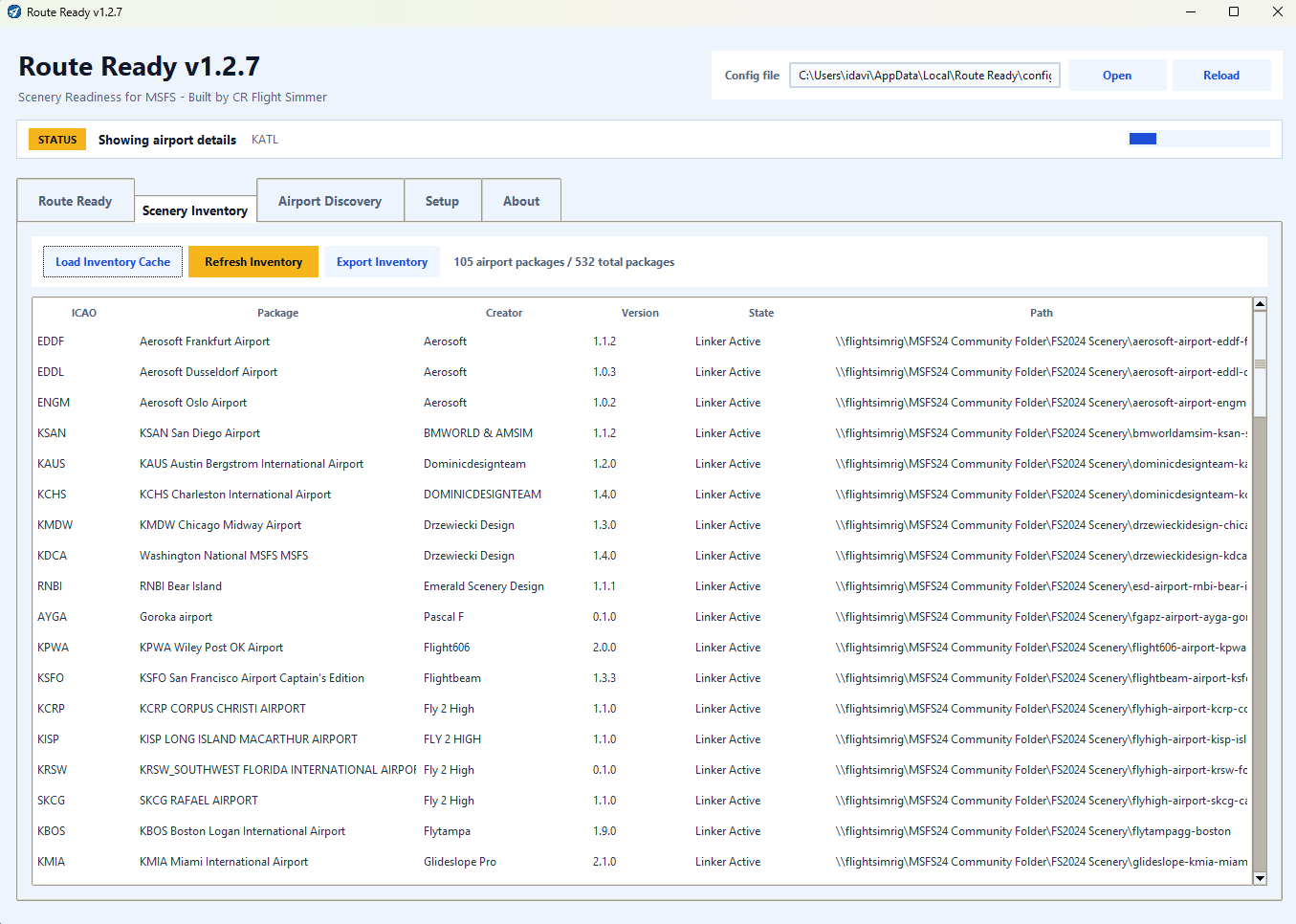
Route Ready Pro Early Access
Follow PLAN → CHECK → BRIEF → FLY in one pilot-first workflow. Route Ready brings the active SimBrief flight, aircraft readiness, local scenery and optional GSX evidence, weather context, maps, briefs, and the route-aware Copilot together before departure.
Everyday preflight tools, one workflow
Free vs Pro
Route Ready Free remains available. Route Ready Pro Early Access is a one-time $8.99 Windows license with the complete planning, readiness, briefing, mapping, and Copilot workflow. Early feedback will directly shape the product.
Route Ready
Freeforever
For every MSFS 2020 & 2024 pilot.
Route Ready Pro
$8.99one-time Early Access price
For MSFS 2020 and MSFS 2024 on Windows. Updates included during Early Access.
Everything in Free, plus:
Early Access software may change as feedback is incorporated. The $8.99 introductory price may change for future customers.
Early Access — available now
More than a scenery manager or flight finder: Route Ready Pro turns SimBrief context, exact-aircraft and scenery evidence, optional GSX coverage, weather, maps, briefs, and Copilot guidance into one organized flight workflow. Buy once for $8.99 during Early Access and help shape what comes next.
Get Route Ready Pro for the one-time Early Access price of $8.99. Your receipt includes the Windows download and license key. Feedback is welcomed through Discord or support email.
Early Access disclosure: Route Ready Pro is actively improving and is not flight-safety software. The Windows installer is Microsoft Artifact Signed by Route Ready Software LLC. SmartScreen reputation may still build gradually for a new release; verify the publisher and published SHA-256 before installing. Hosted features require internet access.
Watch the Pro demoThe Pro workflow
Early Access leads with the active flight and keeps diagnostics underneath: plan in SimBrief, verify local readiness, explore the route, review the brief, and launch when the evidence is clear.
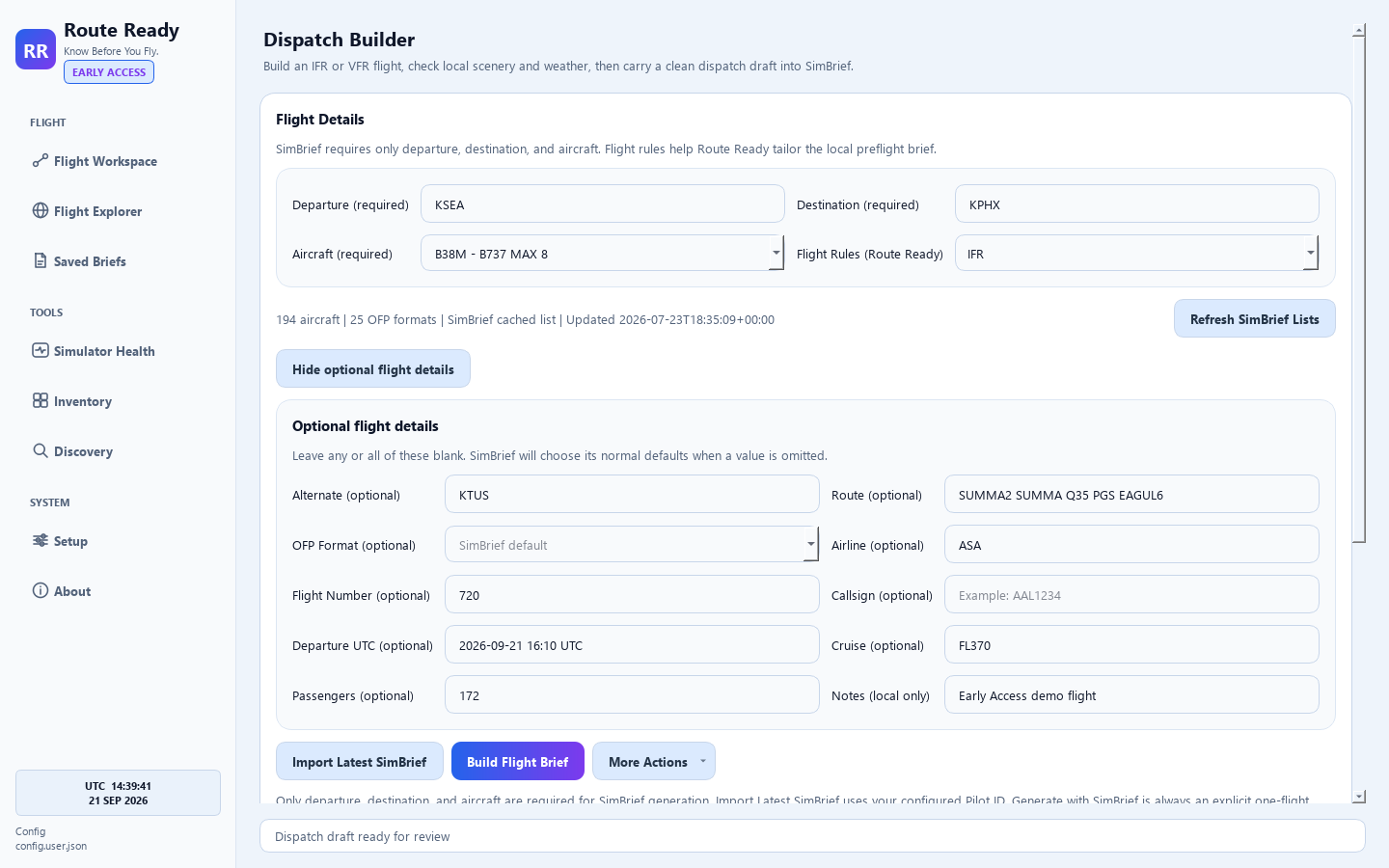
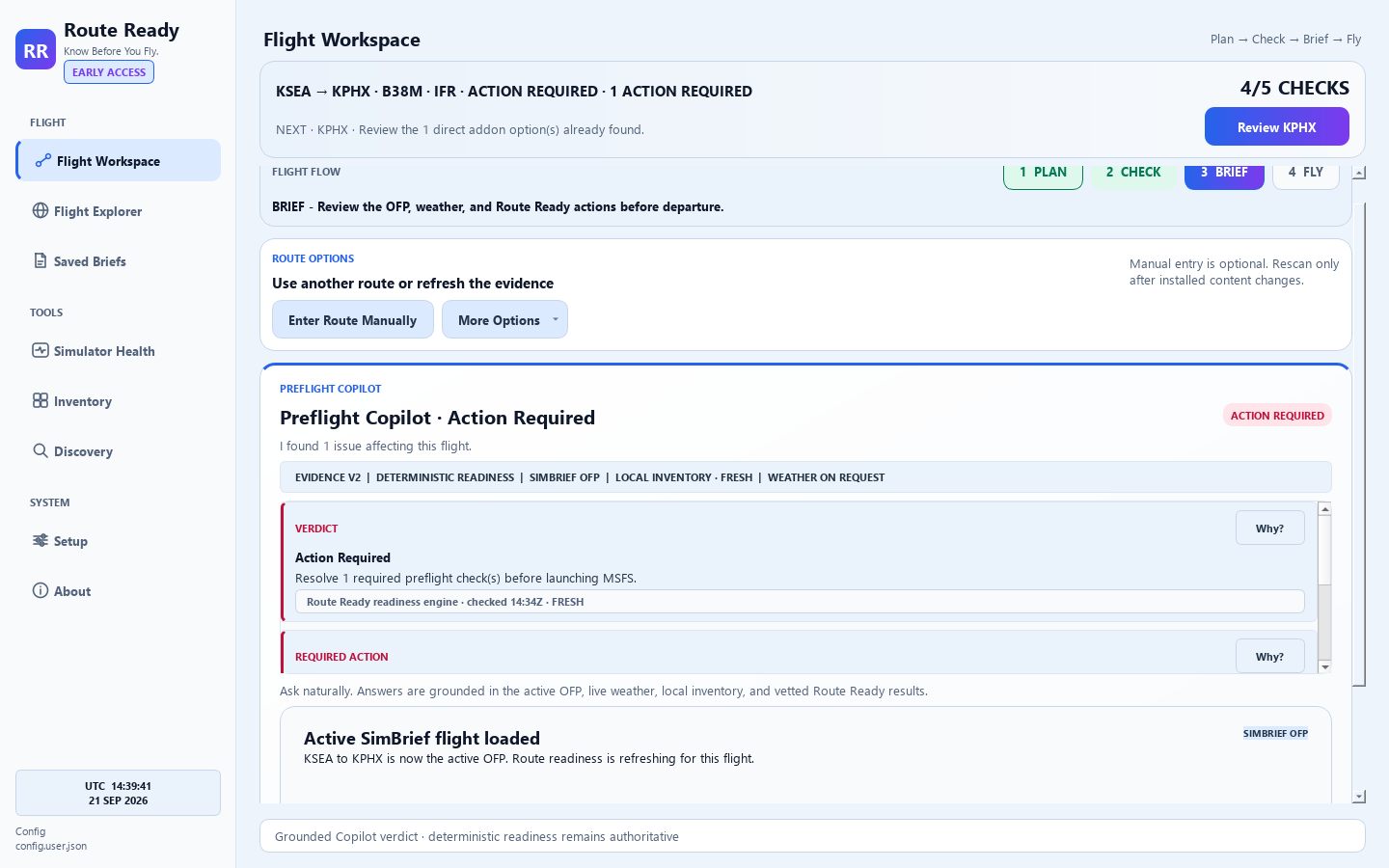
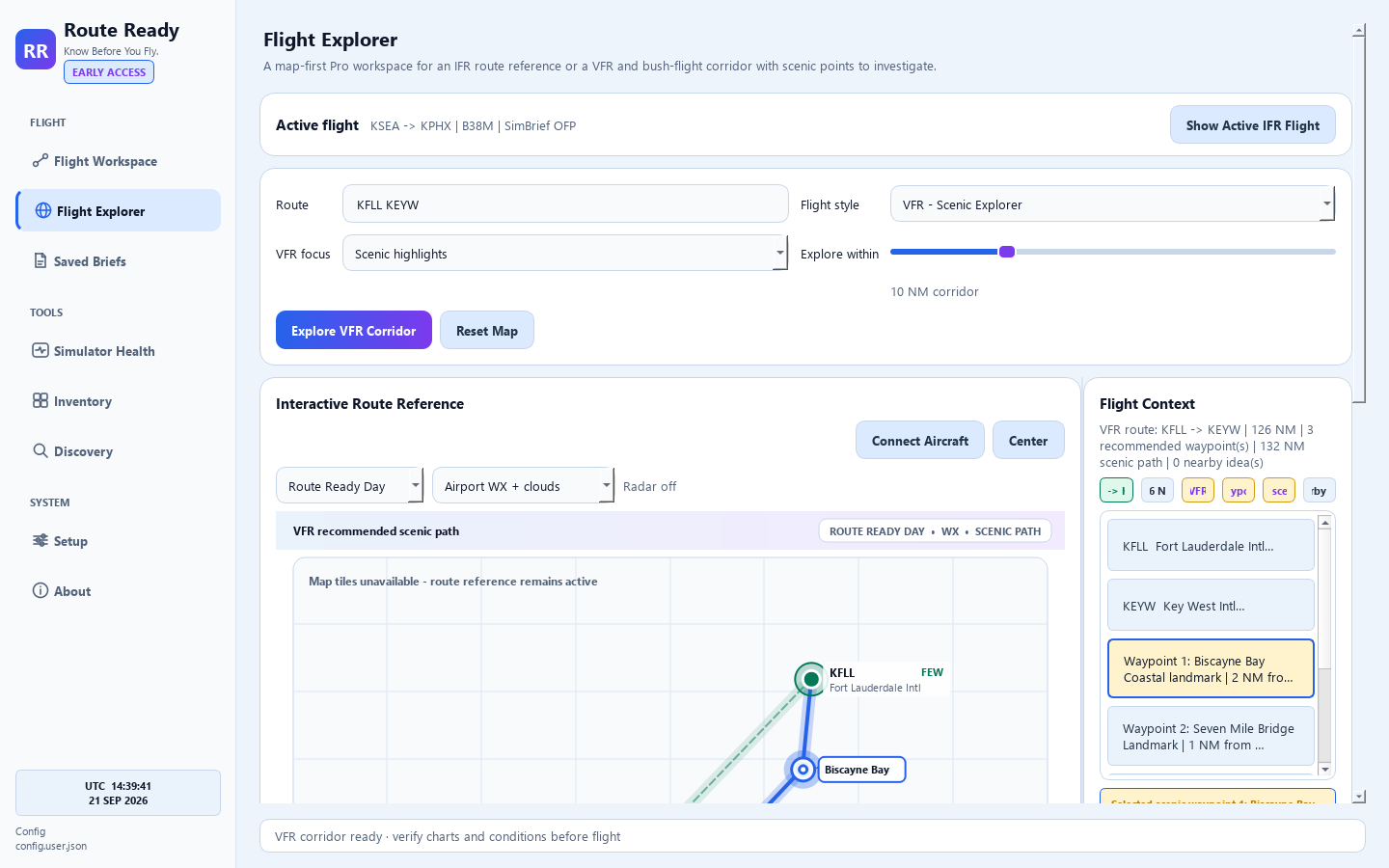
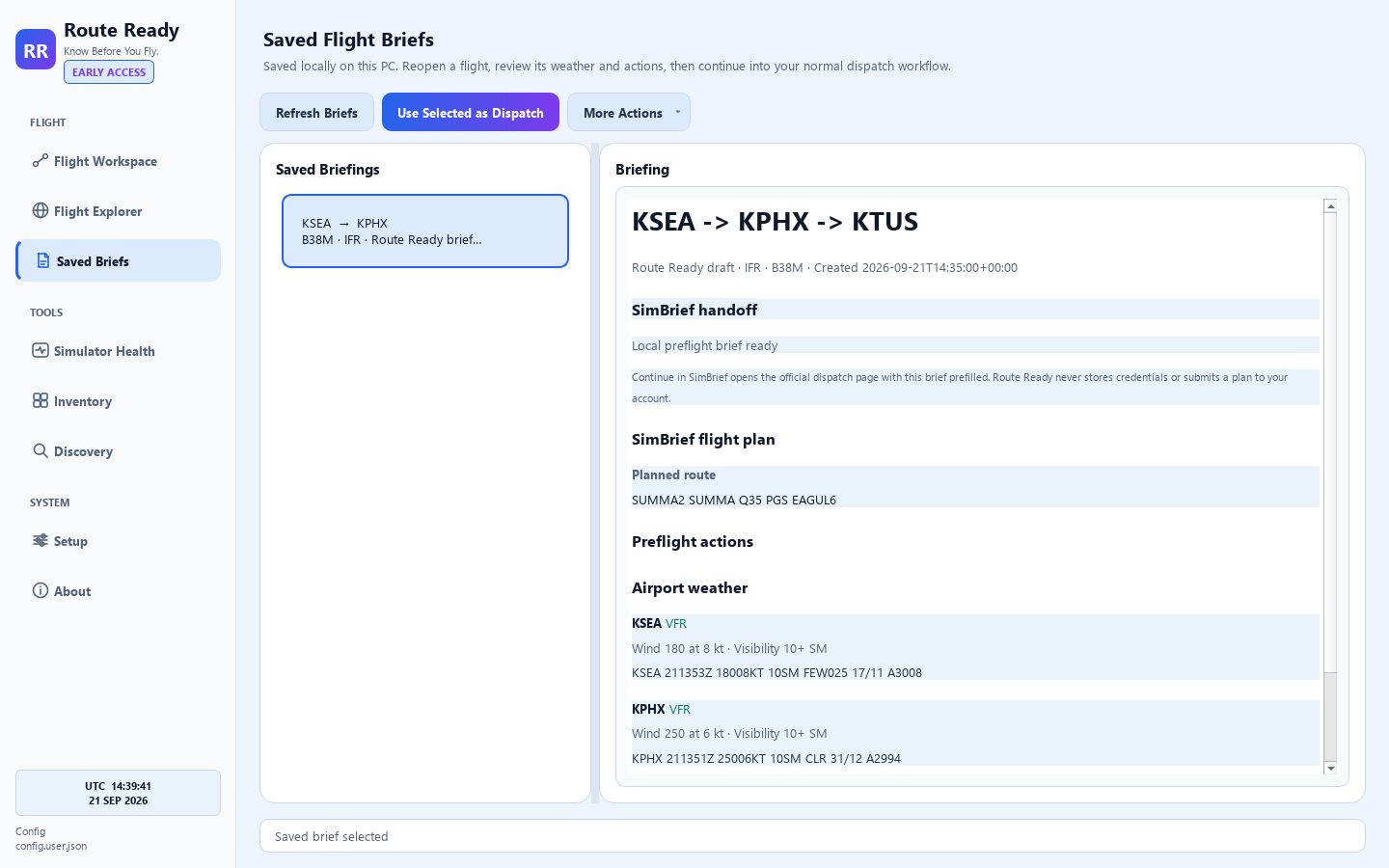
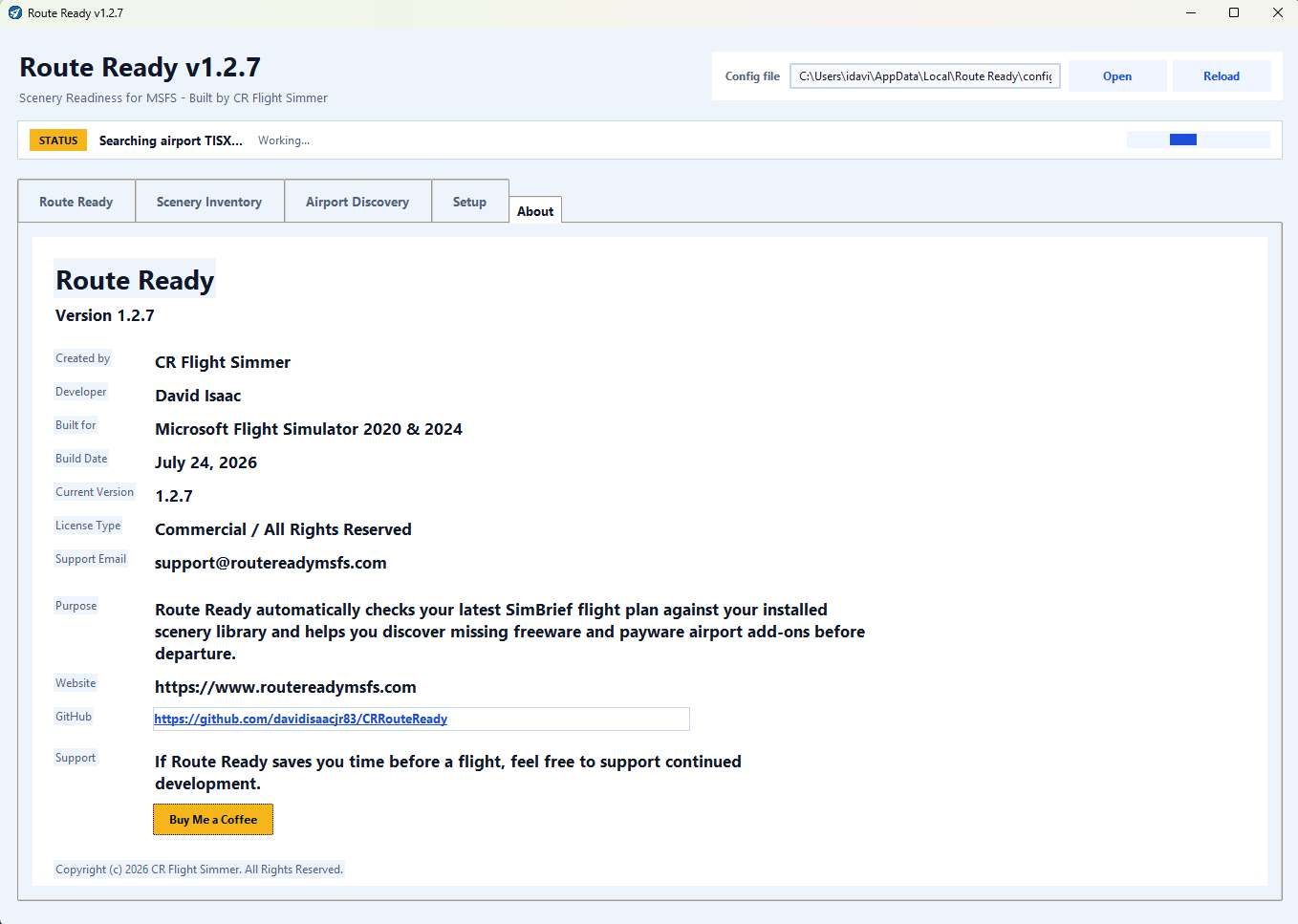
Current Route Ready Pro 1.3.8 Early Access interface shown with privacy-safe demonstration data. Features and presentation will continue to improve with customer feedback.
Customer help
Install and activate Pro, complete the first route check, verify the signed release, review changes, or understand how hosted search and Copilot handle data.
Commercial flight simulation software
Route Ready Software LLC develops Windows software for Microsoft Flight Simulator pilots. Route Ready Free remains available to the community, while Route Ready Pro is available as a one-time Early Access license for $8.99.